AI Agents vs AI Assistants: What Businesses Need to Know in 2026
AI agents or AI assistants? Explore their differences, business uses, and how to choose the right level of automation with human oversight.
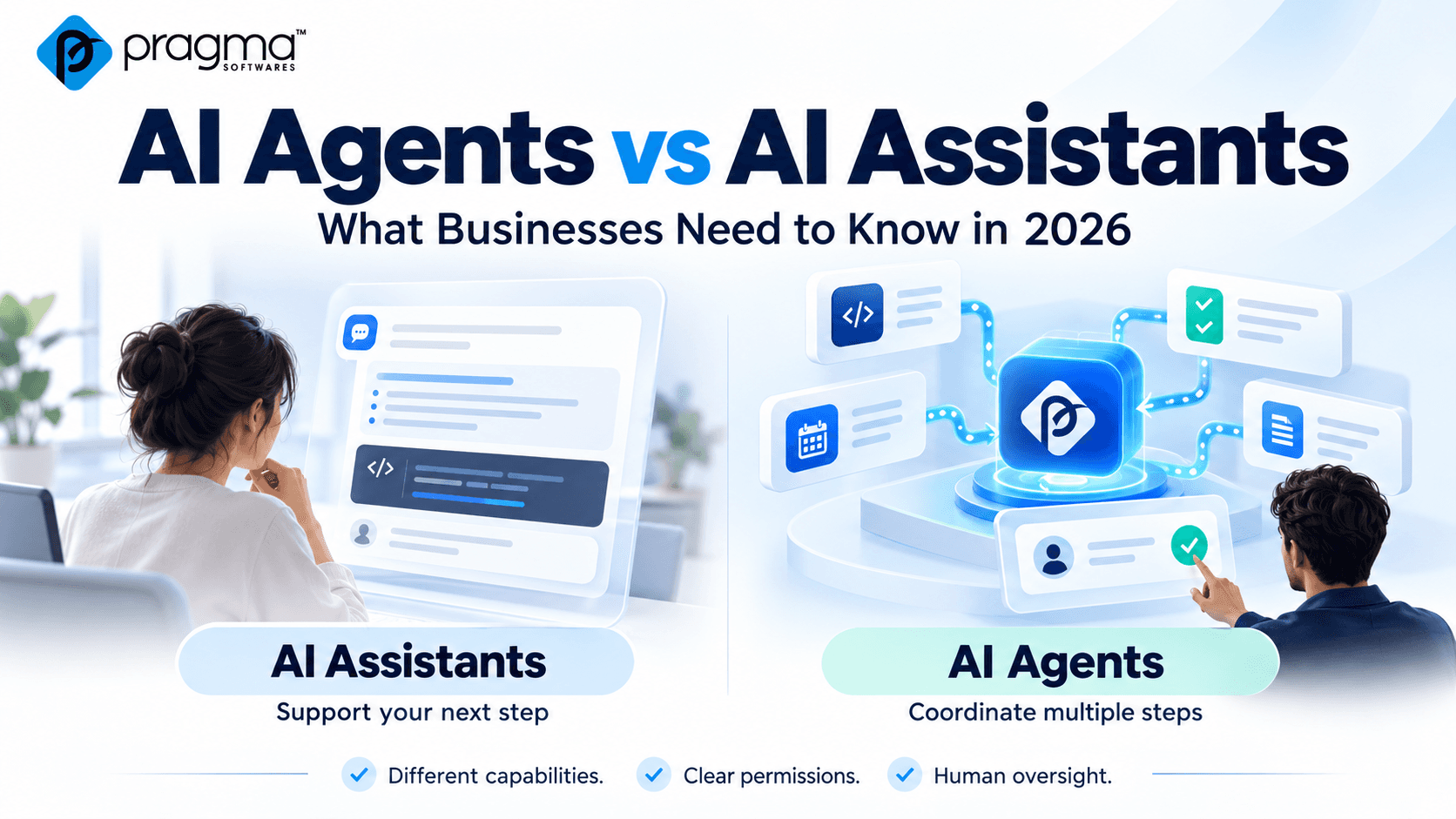
AI assistants help people write, analyse, and solve problems. AI agents can take delegated steps toward a goal using connected tools.
Understanding the difference helps businesses choose suitable solutions, define permissions, and keep people accountable for the results.
Understanding AI Assistants
An AI assistant typically works alongside a person through direct interaction. The user provides a request, reviews the response, and guides the next step.
An assistant can help draft emails, summarise documents, explain code, analyse information, and suggest troubleshooting steps.
For example, a project manager might provide completed tasks, outstanding issues, and delivery dates. The assistant organises those details into a status report. The manager then checks the information, adds context, and decides when to share it.
The assistant supports the work while the person directs the process.
Assistants can also use tools and perform actions. Businesses should therefore evaluate a system’s actual capabilities and permissions rather than relying only on its product label.
Understanding AI Agents
An AI agent uses a model and available tools to pursue a goal. It can gather information, take permitted actions, inspect results, and decide what to do next.
Consider a developer assigning this task:
Investigate why the contact form fails and prepare a fix for review.
Within an approved environment, an agent could inspect relevant files, trace the submission process, prepare a change, and run available checks. If a check fails, it could investigate further and revise its proposal.
The developer would still review the implementation and authorise deployment. Delegating a goal does not mean granting unrestricted access.
The Key Differences
Direction and Independence
An assistant usually receives frequent guidance through individual requests. An agent may choose intermediate steps and continue working until it reaches a defined stopping point.
The appropriate level of independence depends on the task, available permissions, and consequences of an incorrect action.
Tool Use
- Both assistants and agents can use connected tools.
- An assistant might retrieve information to answer a question. An agent might use the result of one tool action to decide which action to take next.
- The distinction lies in how the system manages the workflow.
Outputs and Review
- Assistants commonly produce answers, drafts, summaries, analyses, and recommendations. Agents may produce proposed changes, completed actions, or execution reports.
- Reviewing an assistant involves checking whether its response is accurate and useful. Reviewing an agent also involves checking whether its actions were authorised, appropriate, and successful.
- These are typical patterns rather than fixed categories. One application may combine assistant and agent capabilities.
Where Traditional Automation Fits
Many business processes follow predictable rules.
For example, a website form submission might trigger a CRM record and notify the assigned team. When the steps are fixed, traditional automation may meet the requirement.
AI can also support a predefined workflow by classifying an enquiry or extracting information at a particular stage.
An agent becomes more relevant when the next step depends on what the system discovers. Anthropic’s engineering guidance distinguishes predefined workflows from dynamically directed agents and recommends starting with simpler approaches where they meet the need.
Before choosing a solution, ask:
Does this task require flexible decisions, or consistent execution of known rules?
Practical Applications for Business Teams
Software Development
- An assistant can explain an error, compare implementation options, or suggest code. An agent can investigate a defined issue, prepare changes, and run checks within an approved environment.
- Developers remain responsible for reviewing requirements, security, architecture, and maintainability.
Quality Assurance
- An assistant can turn acceptance criteria into proposed test cases. An agent can execute permitted checks, collect evidence, and prepare a report.
- QA specialists still need to assess coverage, investigate unexpected behaviour, and identify gaps.
Project Management
- An assistant can organise supplied notes into a delivery update. An agent can retrieve authorised task records, identify overdue items, and prepare a summary linked to supporting information.
- Missing or conflicting records should be flagged for review rather than presented as confident conclusions.
Content Operations
An assistant can draft copy, suggest headings, and revise descriptions. An agent can review selected CMS entries, identify missing fields, and prepare updates.
Permissions for drafting, editing, and publishing should be defined separately.
Customer Support
An assistant can help a representative compose a reply. An agent can retrieve relevant account information, check an approved policy, and prepare a resolution.
Refunds, sensitive disclosures, and account changes require clear authorisation rules.
A Practical Website Example
Suppose a website’s contact form stops sending notifications.
An assistant could review supplied logs and suggest troubleshooting steps.
An agent with appropriate access could inspect the form configuration, review relevant logs, check the integration, and prepare a proposed change in staging.
The technical team would then verify the cause, review the change, test email delivery, and authorise deployment.
The benefit is reduced investigation effort, supported by clear access boundaries and human review.
Security and Human Oversight
When AI can act on connected systems, organisations need to define what it can access and what it can change.
- Data access: Limit the documents, records, repositories, and applications available to the system.
- Action permissions: Specify whether it can create, edit, send, publish, or delete information.
- Human approval: Identify consequential actions that require confirmation, such as production deployments or payments.
- Ownership: Assign a person or team to maintain the configuration and investigate failures.
- Activity records: Retain useful evidence of actions, results, and approvals.
- Recovery: Define how to revoke access and reverse incorrect changes where possible.
Microsoft’s guidance identifies human oversight and accountability as responsibilities organisations must establish for agent deployments.
For example, an agent investigating a staging issue may need staging logs and a development branch. Production administrator access would require separate justification.
Reliability Beyond the Model
A capable model is only one part of a dependable system. Clear instructions, reliable integrations, suitable context, and meaningful checks also matter.
Teams should plan for incomplete information, unavailable services, permission failures, and repeated unsuccessful attempts.
Retry behaviour needs particular care. Repeating a search differs from repeating a payment or creating the same customer record twice.
An agent should have clear stopping conditions and a way to explain what happened before requesting help.
Choosing a First Use Case
Start with a narrow task whose outcome someone can verify.
A useful objective might be:
Prepare a weekly project-summary draft from approved task records.
This is easier to evaluate than a broad instruction to manage projects autonomously.
A manageable pilot needs:
- A clear owner responsible for the workflow.
- Defined inputs and outputs that establish success.
- Limited permissions across connected systems.
- Human review before consequential actions.
- A failure process for escalation and recovery.
When verification is difficult, partial automation or human-led work with AI support may be more appropriate.
Measuring Business Value
Evaluate the complete workflow, including the time spent reviewing and correcting results.
Consider whether:
- The result was accurate and supported by evidence.
- The intended task was completed.
- Human review effort was reduced.
- The process saved time overall.
- The cost per completed task was reasonable.
- Actions could be traced and reviewed.
- Failures could be contained and corrected.
A fast output that requires extensive correction may offer limited value. Compare the pilot with the existing process across routine tasks and exceptions before expanding its scope.