AI Is Helping Hackers Too: What That Means for Small and Mid-Sized Businesses
AI is making scams smarter and attacks faster. Here's what that means for growing businesses, and the simple steps that still stop most attacks.
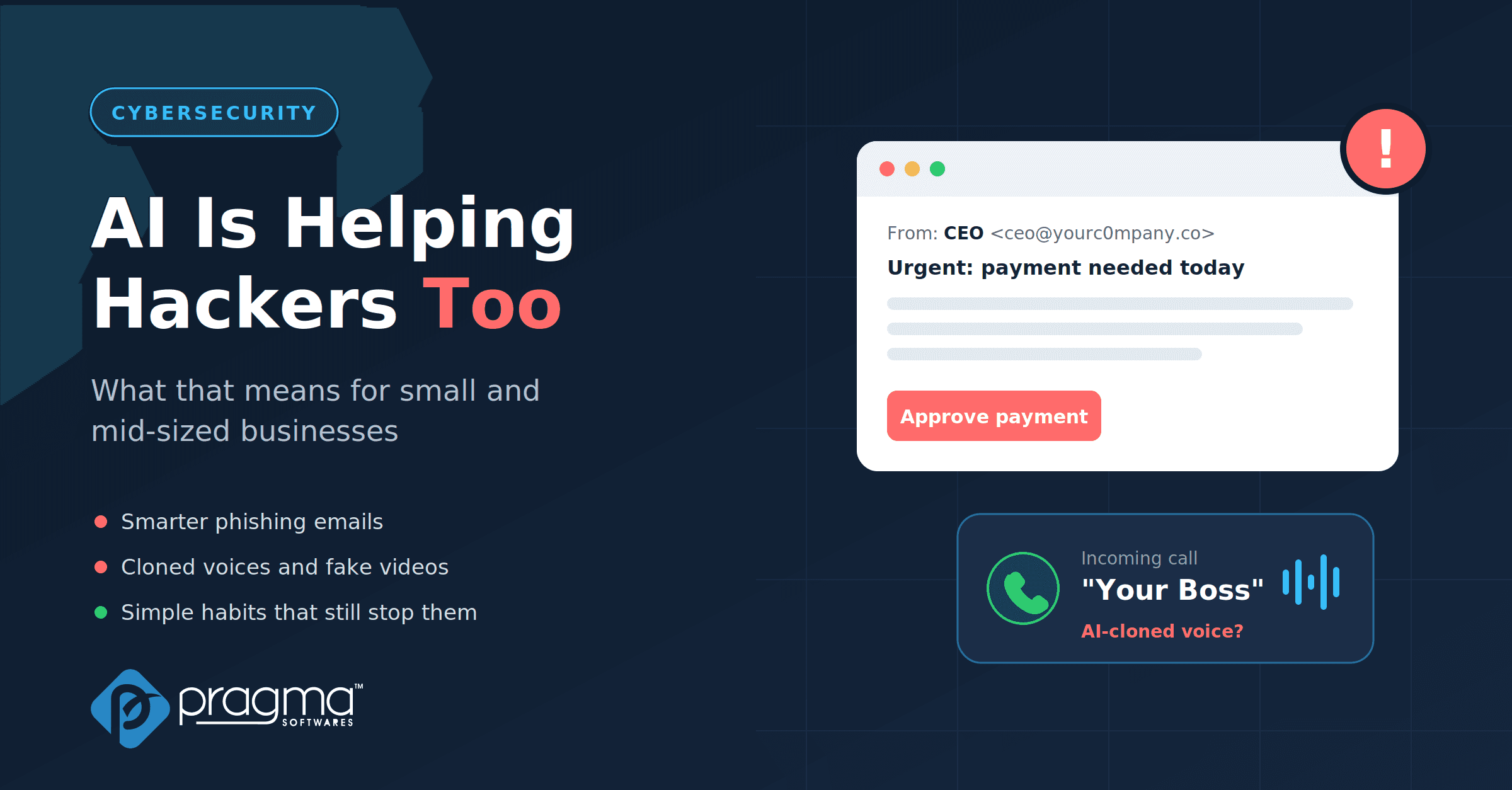
A few years ago, spotting a scam email was fairly easy. Spelling mistakes, strange greetings, and a story that didn't quite add up gave most of them away.
That's changing fast. The same AI tools that help us write emails, summarise reports, and build software are now helping attackers too. Scams look more convincing, attacks happen faster, and the warning signs we relied on for years are fading.
The good news? Most attacks still succeed for the same old reasons. And that means a few basic habits still go a long way.
How AI Is Changing the Way Attacks Work
Phishing emails that look real. AI can now write a clean, natural email in seconds, in any language, with no spelling mistakes. It can even pick up details from your website or LinkedIn profiles to make the message feel personal. Microsoft's research found that people clicked on AI-written phishing messages 54% of the time, compared with 12% for messages written by hand. That's more than four times as many clicks.
Voices and videos you can't trust anymore. Attackers can clone a voice from a short recording, like a voicemail or a public video. Earlier this year, Microsoft warned that criminals are using AI voice cloning to impersonate executives and trusted contacts in phone scams. In one well-known case, staff at a multinational firm's Hong Kong office were tricked by a video call full of deepfaked senior executives and sent about US$25 million.
Attacks that move faster than fixes. AI is also helping attackers find and use software weaknesses quickly. According to Mandiant's 2026 threat report, attackers now start exploiting new vulnerabilities, on average, about a week before a fix is even available.
It's no surprise that businesses are worried. In a recent Experian survey, companies named AI-generated phishing as their top AI-related fraud concern.
Why Small and Mid-Sized Businesses Are in the Firing Line
Many smaller businesses think, "We're too small to be a target." Unfortunately, AI has made that idea outdated.
Attacks are cheaper to run. When AI writes the emails and does the research, sending a convincing scam to a hundred small companies costs almost nothing. Attackers don't need to pick big targets anymore.
Smaller teams, fewer checks. In a growing business, the same person might approve payments, manage vendors, and reset passwords. That's efficient, but it also means one convincing call or email can go a long way.
Trust is part of the culture. In close-knit teams, people know each other's voices and want to help quickly. Attackers count on that.
You're connected to bigger clients. Many small businesses work with larger companies. Getting into a smaller supplier can be an easy first step towards a bigger target.
The cost can be serious. The FBI recorded about $2.77 billion in losses from business email compromise scams in 2024 alone, and those are only the cases that were reported.
The Basic Steps That Still Stop Most Attacks
Here's the reassuring part. AI makes scams more convincing, but most attacks still depend on someone acting quickly without checking. Slow that moment down, and many attacks fall apart.

Each habit breaks the scam at a different point: spotting the fake, pausing to verify, or limiting what an attacker can reach.
1. Verify requests through a second channel. If someone asks for a payment, a bank detail change, or sensitive files, confirm it another way. Call back on a number you already have, not one from the message. A real manager won't mind a quick check.
2. Agree on a simple "pause rule" for money. Decide that no urgent payment or vendor change goes through on a single email or call, no matter who it seems to come from. Urgency is the attacker's favourite tool.
3. Turn on stronger sign-in protection. Multi-factor authentication blocks a huge number of account takeovers. Where possible, choose app-based or passkey sign-ins over text message codes, which are easier to trick people out of.
4. Keep software updated, and prioritise what matters. Turn on automatic updates for devices and browsers. For business systems, patch internet-facing tools first, like email, VPNs, and websites.
5. Train people with real examples, often. A yearly slideshow isn't enough. Short, regular sessions using realistic examples, including fake voice calls, help people trust their instincts.
6. Make it easy and safe to report. People hesitate when they're worried about looking silly. Celebrate the person who reports a suspicious message, even if it turns out to be harmless.
7. Limit who can do what. Give people access only to the systems they need. If one account is compromised, the damage stays small.
8. Keep backups you can actually restore. Store backups separately from your main systems and test them. If something goes wrong, you can recover without paying anyone.
A Quick Checklist You Can Start This Week
- Agree on a call-back rule for payments and bank detail changes
- Turn on multi-factor authentication for email and key business tools
- Switch on automatic updates for laptops, phones, and browsers
- Share one real-looking phishing example with your team and talk it through
- Set up a simple way to report suspicious messages, like a shared channel or email address
- Check that your backups exist, are separate, and can be restored
Stay Alert, Stay Safe
Attackers are using smarter tools, but they still rely on the same human moment: someone acting fast without checking. The best defence is a team that feels confident enough to pause, question, and verify.
You don't need a big security budget to make a real difference. Clear rules for payments, strong sign-ins, regular updates, and a culture where reporting is encouraged will stop most attacks before they start.
At Pragma Softwares, we help businesses build secure, reliable software and adopt practical security habits that protect their teams, their data, and their customers.